A queue for the kitchen.
Keep incoming dishes in a dedicated kitchen workspace, with the table and branch context attached.
Kitchen queue mealio
Made for restaurant service
From the first scan to the final bill. Mealio connects your guests, floor, and kitchen in one restaurant workspace.
QR ordering · Kitchen queue · Tables · Bills
Choose your size and extras.
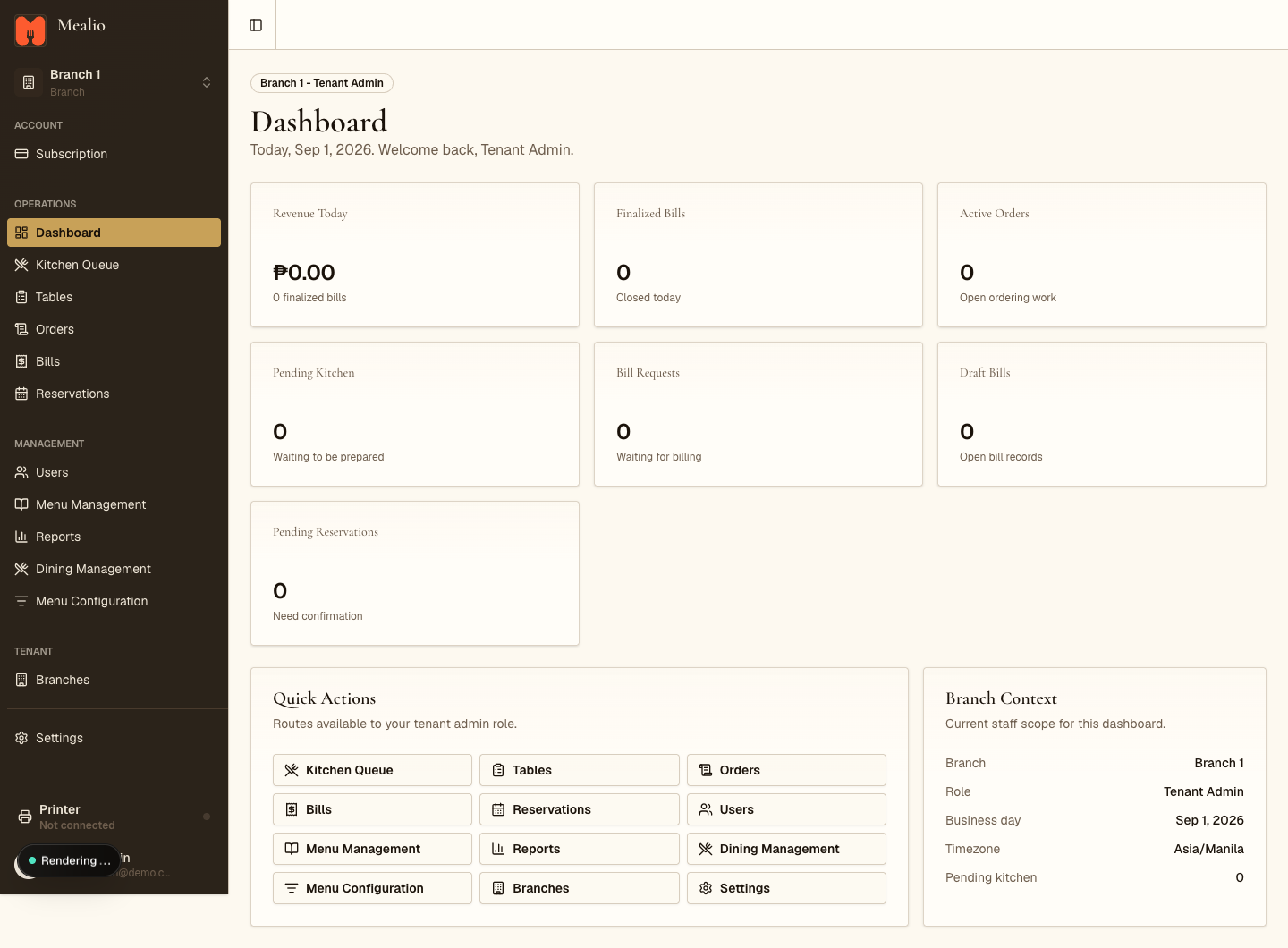
Actual dashboard · Demo workspace
Guest screen is an illustration.
A closer look
Give each part of your restaurant the context it needs. Explore the workspace your team actually uses.
Behind every good service
Keep incoming dishes in a dedicated kitchen workspace, with the table and branch context attached.
Kitchen queueManage draft bills and finalized payments. Keep completed revenue separate from work still in progress.
Bills & receiptsSignature adds theme settings. Premium gives owners full settings and logo controls for their restaurant.
Package-based brand controlsFrom table to kitchen
Guest-facing ordering and staff operations belong in the same conversation.
A table QR opens the guest menu. Customers choose items, sizes, and available extras.
Staff manage the order while the kitchen works through its production queue.
Bring the table through billing and payment, with finalized bills reflected in reporting.